PokéEmerald Proposal
Background
I’d been aware of the existence of ROM hacks for many years, long before the tools of today had been developed. For the unaware, a ROM is a computer file which contains a copy of the data from a read-only memory chip (often from a video game cartridge). A ROM hack is a customized version of that ROM where the developer has changed some aspect. In the case of Pokémon, it can be as little a change as increased shiny rates or as complex as a whole new story.
The old days of ROM hacks included manipulating the actual 1s and 0s in memory. To ease the barrier of entry, graphical tools were created that would allow manipulating specific parts of memory. And even further, ROMs were eventually reconstructed in high-level code. This option finally appealed to me - a way to get my hands dirty without worrying too much about how a GameBoy Advance actually functions.
As ideas often do, one came to me out of the blue: combine my proposal with my desire to create a ROM hack. What started out as a note in my phone quickly took root and the ideas flowed like water. It would take many months, but I set out to complete a one-of-a-kind Pokémon game for the both of us.
Minor Changes
Anytime I dive into a new codebase, my first thought is to come up with something very simple I can change to set a baseline for the effort it will take going forward. It’s a practice that’s served me well in order to get familiar with file structure and the new programming language.
Changing the Starter Pokémon
The very first update I attempted was changing the starter options. The 3 I settled on were Gengar, Vibrava, and Pichu. I found this community post about exactly where and how to do this. The first test was ready! I spun up the rebuilt game and tested each of the started, quickly realizing Gengar was not a viable option. At level 5, Gengar has 3 available moves: Hypnosis, Spite, and Lick. Hypnosis and Spite are not damaging moves Lick does not affect the Zigzagoon the game tells you to defeat first.
This was my first realization that Pokémon have predefined moves at each level, which are not always good move sets. This led me to find the file that contained the moves each Pokémon knows from level 1 to 100. I swapped Spite for Tackle and then we were on our way to defeating the Zigzagoon.
Ultimately, I ended up reverting these changes. The fire, water, and grass type selection is a classic rock-paper-scissors formula that I wanted to preserve.
Setting the Player’s Default Gender and Name
Still mostly unfamiliar with the codebase, I decided to move on to editing the default player gender and name.
Reinforcing my lack of understanding of the new programming language, I defined the player’s name as a data type that didn’t exist. Still impatient and wanting quick progress, I searched for the choices of names the game gives you and removed all but the one I wanted to force.
Oops! Maybe we actually try to learn this programming language…
A few lessons and a cup of coffee later… We had finally changed the default name.
Skipping Professor Birch’s Introduction
We are both veteran Pokémon players, so I wanted to spare us the few minutes of Birch’s intro speech. If we think of the start of the game as a series of steps in a workflow:
- Start speech
- Ask player for their name
- Finish speech
- Start game
Then, skipping the speech was as simple as removing those steps from the workflow.
Exp Share
One of my favorite quality-of-life features in newer generation games is the built-in exp share. In earlier generations, it was an item that a single Pokémon could hold. This project would take enough time as it stands. I wanted to spare us the hours of grinding.
Luckily, someone had done most of the hard work to bring this feature to Pokémon Emerald. I took their work as a foundation, modifying it slightly. Rather than an item that will turn exp share on and off, I updated it to be on indefinitely.
The Subplot
Let’s talk quickly about the minor subplot I added to the main story. A mysterious NPC would leave the player letters that are hard to read, explained as poor/rushed handwriting. In my notes, I initially referred to these as encoded letters, but in reality, there is no cipher to decode them - the contents were literally random letters and numbers.
Along the way, the player hears ramblings about this “friend” who is always looking for them, but always just misses. There is no confirmation of how the player knows this NPC. Somewhere along the way, the player meets a friend of the NPC who can read their handwriting and will “decipher” the letter’s contents. The first letter contains a riddle leading to the special Ho-Oh and Lugia event.
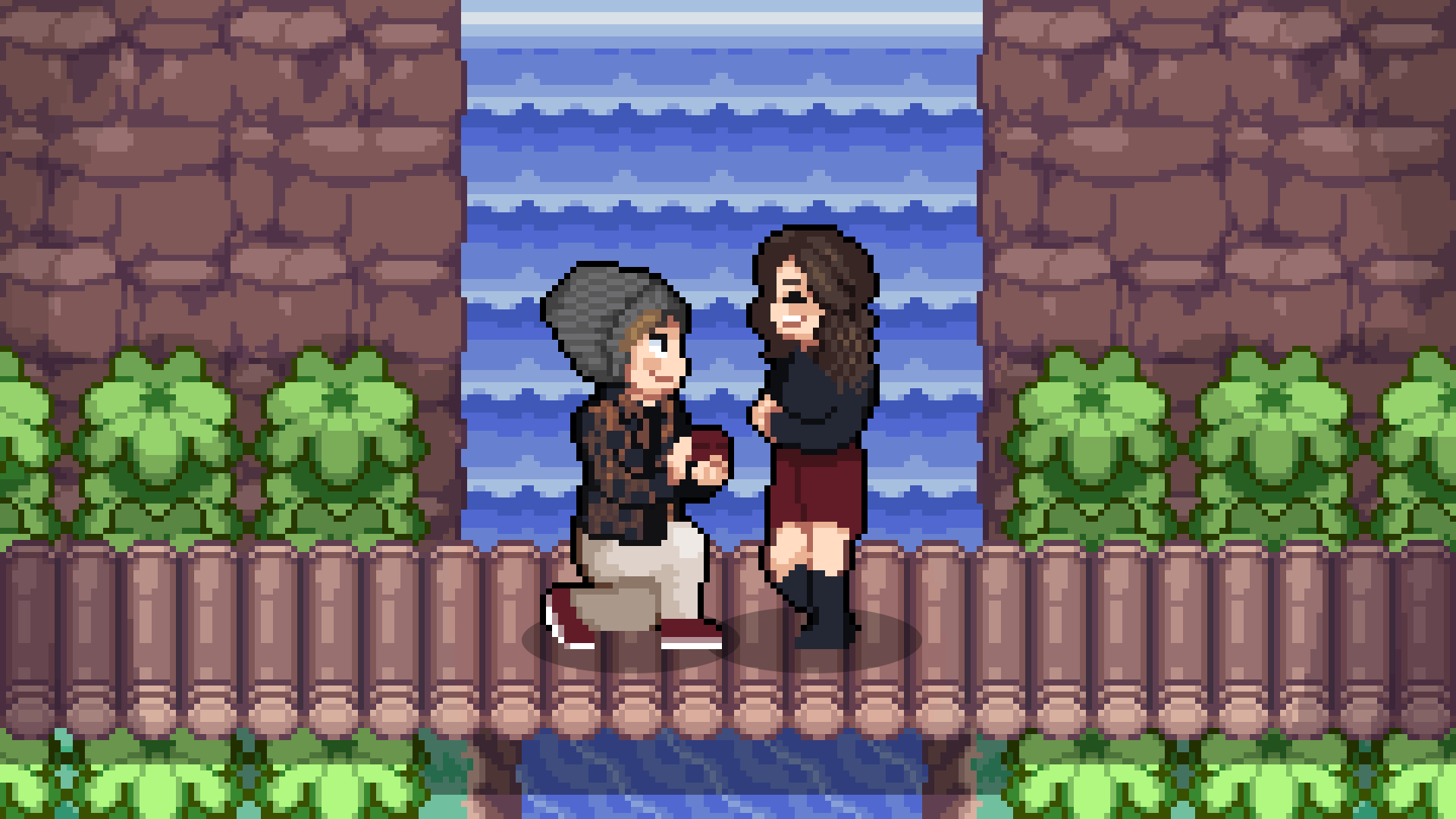
After the player defeats the Elite 4, they receive a call from the NPC’s friend telling them to travel around Route 119. In front of the waterfall, a cutscene triggers, finally showing the NPC. The scribbled letters are exchanged for cleanly written ones.
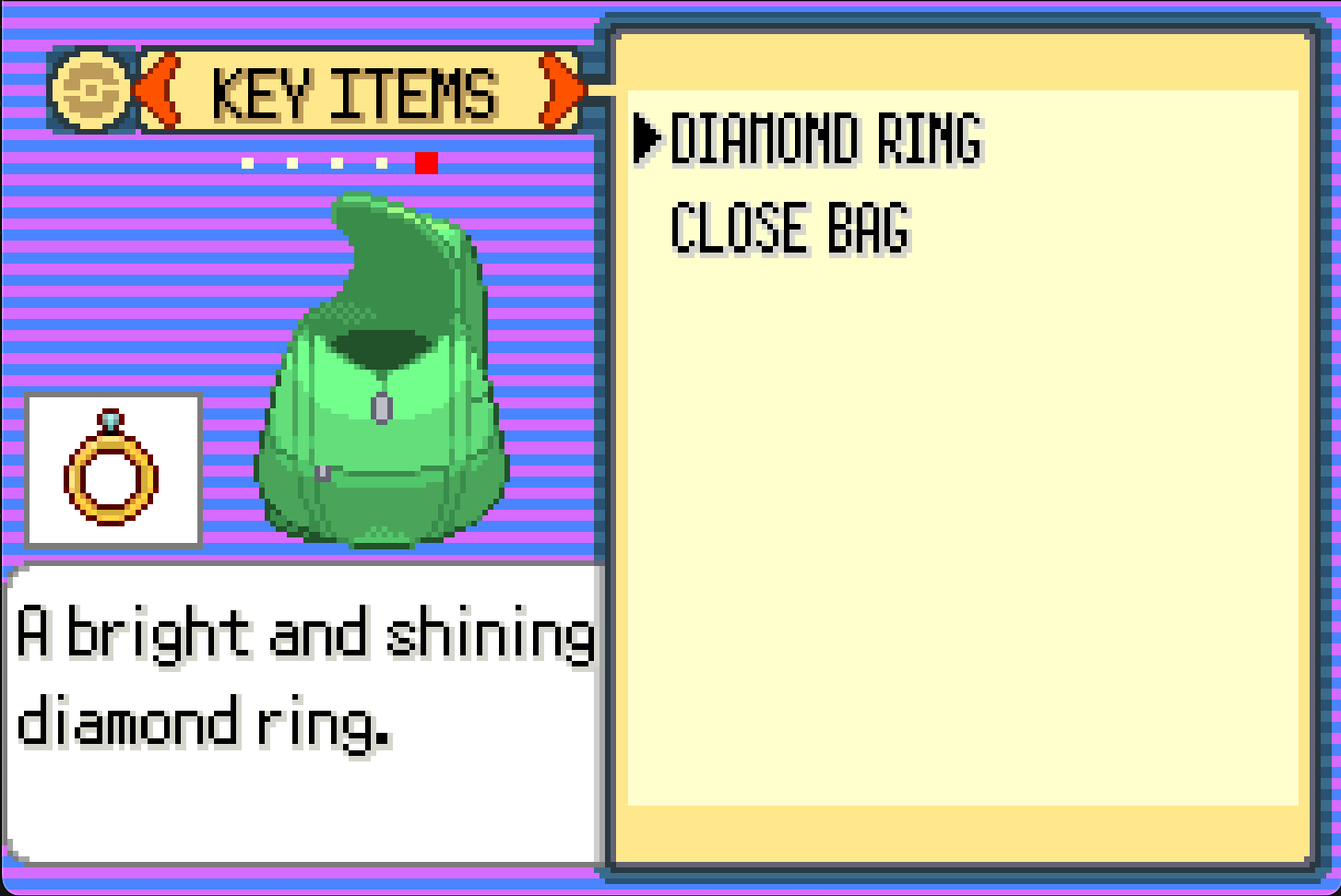
Each letter is written by real friends and family of the player. After reading each one, the NPC proposes to the player. After accepting, the player receives the Diamond Ring item.
Custom Letter Items and UI
By far, the most challenging feature I implemented was a custom item and accompanying user interface. I began by using a community tutorial for adding a new UI.
Experimentation was the driving factor in understanding the tutorial. Failing to correctly guess at an outcome for a specific change was the fastest way to understand.
Once I had figured out how the UI code worked, my next challenge was to work it into my letter item workflow. I updated the custom letter item to render that UI, then I could display the letter’s contents on the screen. Since GameBoy screens are small, the contents needed to be separated into multiple pages. I updated the UI code to handle user input from the left and right buttons to redraw the UI for the appropriate page.
While searching for something else entirely, I stumbled onto the graphics for the actual mail items. I quickly grabbed and used these as the backgrounds for the letters.
Custom Trainer Battles
This entire project was a constant battle between what I wanted to do versus what I could achieve in a reasonable amount of time. I had many ideas about custom trainer battles, from one-off battles to re-challenging to a new gym-like area with many custom trainers. I settleed on several one-off battles that would feature a trainer with a unique personality, Pokémon to fit that personality, and an on-theme reward.
There needed to be a challenge to this. Generally speaking, a trainer’s Pokémon are a set level no matter how far along in the story you are. Wait long enough and a challenging battle will be easy, but step up too quickly and an easy battle will wipe your team out. My custom trainer type would feature a team whose levels were dependent on the player’s Pokémon’s levels.
The algorithm stayed simple:
- Calculate the average level of the player’s team.
- Determine a +/- level range for the opponent’s team.
- Calculate a random number within the level range for each of the opponent’s Pokémon.
I purposefully left an exploit here. If the player’s team consisted of one level 100 and one level 1 Pokémon, then the trainer’s team would be around level 50. If the player’s team consisted of one level 100 and five level 1 Pokémon, then the trainer’s team would average around level 18. By creating a large level deviation, you can cause your opponent’s team to be lower level as well, leading to an easier fight.
Elio: An old man battling youngsters, teaching them to reach their maximum potentital.
- Pokémon team: Slakoth, Makuhita, and Lotad
- Rewards: 2x of Max Elixir, Max Ether, Max Potion, and Max Revive
Faun: A young girl who is very egotistical about her beauty.
- Pokémon team: Beautifly, Nuzleaf, Delcatty, Gardevoir, and Roselia
- Rewards: Level 20 Milotic
Asdef: A scientist who has been researching national Pokémon.
- Pokémon team: Machamp, Alakazam, Charizard, Gyrados, and Pidgeotto
- Rewards: Level 35 Mewtwo
Easter Eggs
Some of the most creative decisions I made were around the easter eggs.
If the player was savvy enough to check their PC item storage, they would find they had 10 Rare Candies stashed away.
An incense-obsessed NPC would offer the player some, giving away the Sea Incense and Lax Incense.
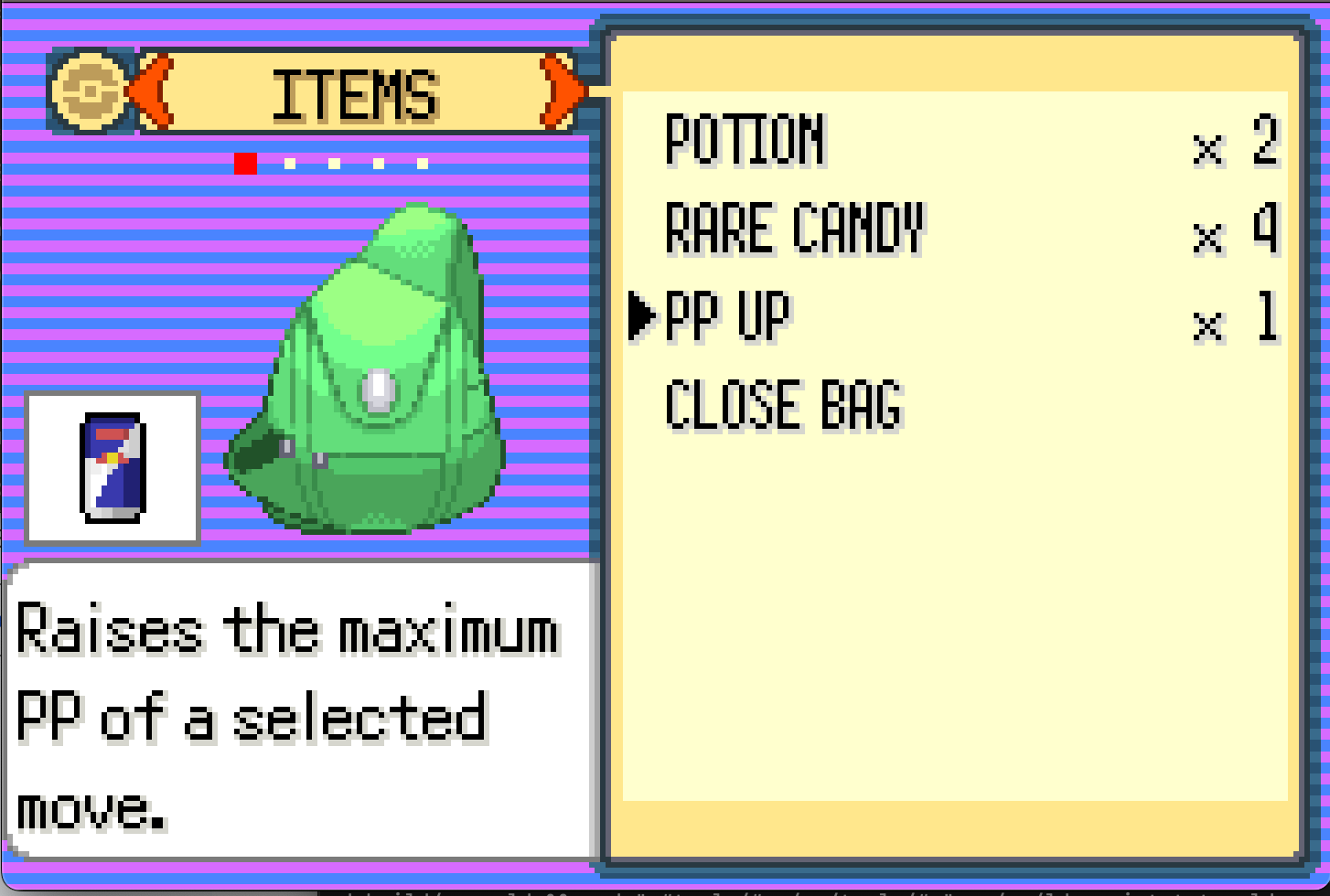
I created an 8-bit illustration of a Redbull can and updated the PP Up icon to use it
And my favorite: a plate of nachos. One of our first dates was rock climbing + dinner. Having just finished working out, our eyes were bigger than our stomach. We each got a small pizza and she ordered an additional plate of nachos. The nachos themselves could’ve fed a table of 4, so of course, she barely made a dent in it. To call back to this, I added 2 NPCs who would off the player a plate of leftover nachos. If accepted, the player would receive the Leftovers item.
Creating a Cutscene
If done well, not many features can make a game feel more immersive than a cutscene. To help immerse the player in subplot elements, I implemented 3 new scenes:
- “Mysterious” NPC leaves his friend’s house.
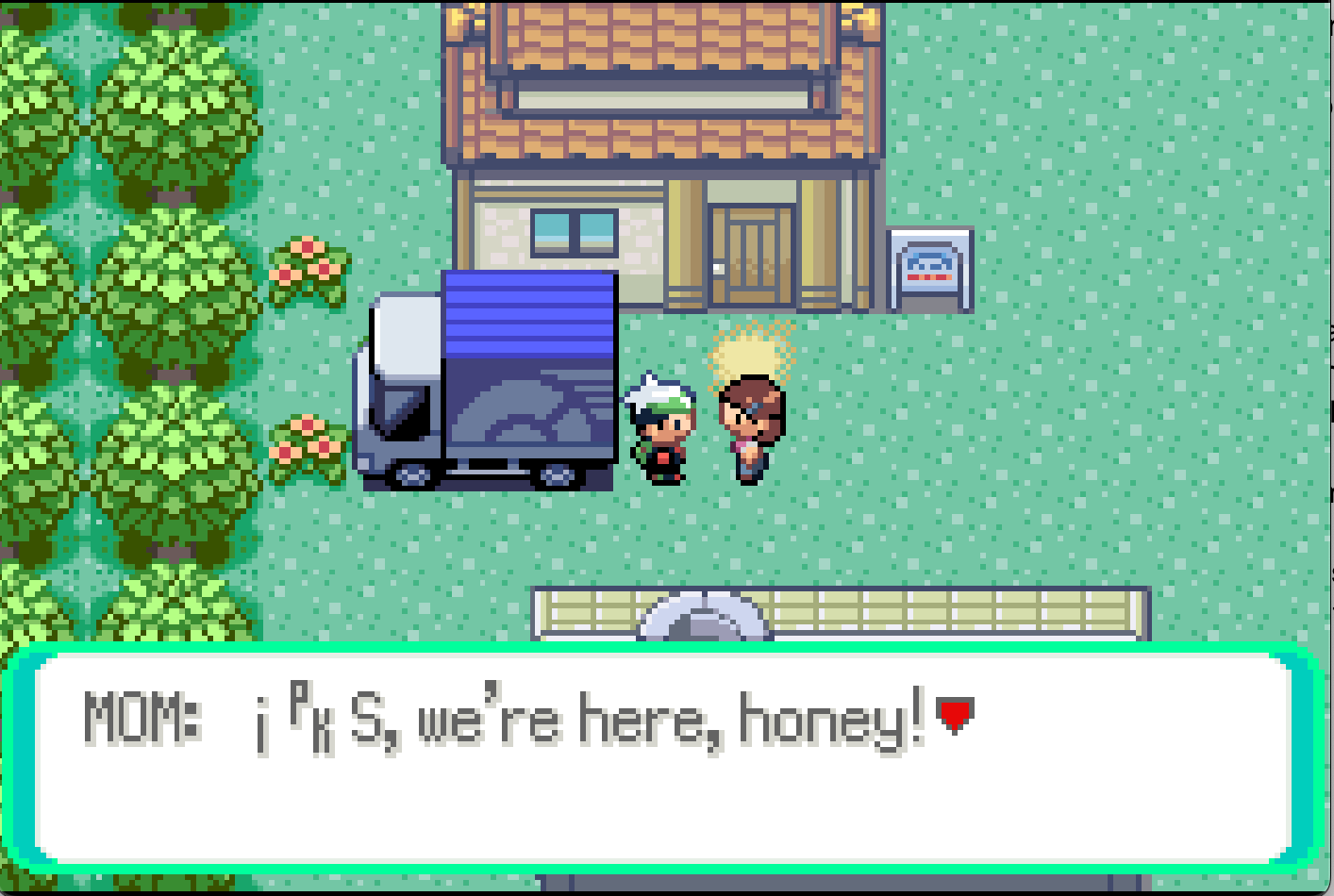
- Mom gives the player a Mystic Ticket.
- The proposal.
The game has an invisible camera character than occupies the same space as the player. In order to create a cutscene, I needed to halt player movement, tell the camera character the steps to take, and then tell the camera character what steps to take to get back to the player.
Choreographing these cutscenes took a lot of work and testing. In many cases, there were multiple coordinates a player could occupy, which would affect where the camera’s character needed to walk in order for the cutscene to appear centered.
An example choreography:
- The player walks into the house
- Mom walks to the player
- The player faces Mom
- Display a textbox for Mom’s dialogue
- Give the player the Mystic Ticket
- Mom walks back to her original position